How to Take Baby Photos for NADRA (B-Form/NICOP)
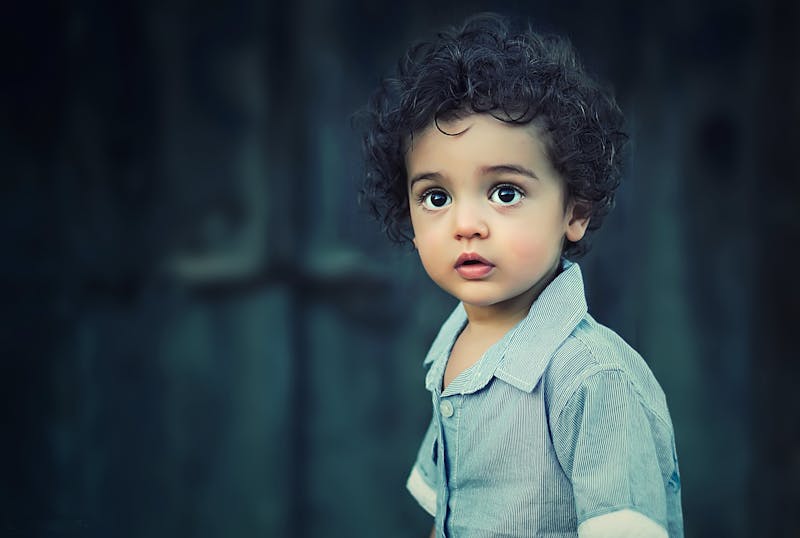
If you think getting a passport photo for yourself is hard try doing it for a two month old baby who cannot hold their head up and sleeps eighteen hours a day. It is a special kind of parenting torture.
Yet if you are an overseas Pakistani planning a trip home the National Identity Card for Overseas Pakistanis or NICOP is mandatory even for a newborn. Without it you are stuck applying for a visa which is a hassle you do not need.
NADRA officials know that babies cannot sit in a photo booth chair. However the computerized system still demands a clear frontal shot with open eyes. In this guide I will share the exact method I used to get my own daughter's NICOP photo approved on the first try without any tears.
The Golden Rule Do Not Hold the Baby
The biggest mistake parents make is holding the baby in their lap. Even if you wear a white shirt your hands or chin will inevitably creep into the frame. NADRA rejects photos with any foreign objects which includes your loving hands.
You need to create a flat studio surface.
The White Sheet Technique
- The Setup Take a plain white bedsheet or a large white towel. Iron it to remove deep creases as shadows from wrinkles can look like background noise to the scanner.
- The Location Lay this sheet on the floor or a firm mattress near a large window. Do not put it in direct sunlight or the baby will squint. You want soft indirect daylight.
- The Positioning Lay the baby on their back on the sheet. Ensure their head is straight. If their head lolls to the side use small rolled up towels under the sheet to prop their head straight. The supports must be hidden.
The Eyes Must Be Open
This is the non negotiable part. NADRA requires eyes to be open and visible. Sleeping photos are instantly rejected because the biometric software uses the distance between pupils for identification.
How to get the shot
Stand directly over the baby. Be careful not to drop your phone. Hold a rattle or a colorful toy right next to the camera lens. Shake it gently to grab their attention. Snap the photo the moment their eyes widen. Use 'Burst Mode' on your phone to take 10 photos in a second and pick the best one later.
If your baby has a pacifier remove it. The mouth should be visible though a crying baby with an open mouth is usually accepted for infants unlike adults who must have a neutral expression.
Lighting and Shadows
Flash is your enemy here. A sudden flash will startle the baby and make them cry. It also causes 'Red Eye' which ruins the biometric scan.
Rely entirely on the window light. Position the baby so the light flows from the top of their head downwards towards their feet. This prevents scary shadows from forming in their eye sockets. If you are struggling with shadows read our lighting guide for home photos.
What to Wear
Do not dress the baby in white. White clothes on a white sheet makes them look like a floating head.
Dress them in a bright solid color like blue, red, or green. This contrast helps the automated cropper distinguish between the baby and the background. Avoid hats or headbands as they can cover the forehead which violates the official photo guidelines.
Cropping and Resizing
Once you have the photo do not worry if there is too much white sheet visible. Just upload the picture to our CNIC Resizer Tool.
Zoom in until the baby's face fills about 70 percent of the oval frame. Our tool handles the difficult part of compressing the high quality file to under 60KB without losing clarity.
Taking a baby's photo requires patience. You might need to wait for a nap to end or a feeding to finish. But trust me it is still much better than dragging a newborn to a crowded NADRA center.